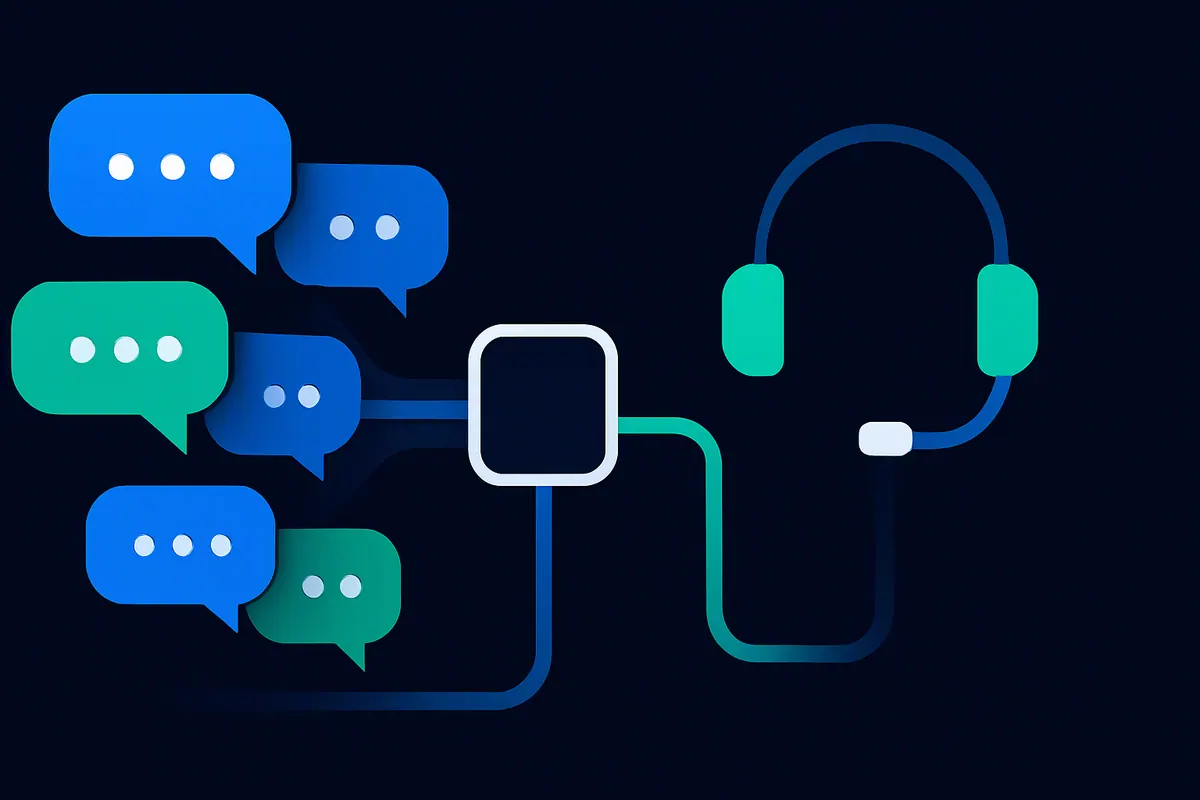
Most companies asking about a custom AI chatbot already run customer conversations through a help desk or contact center. The agent should live inside that system, so customers stay on their channel and your team keeps its queues.
Complex inquiries set the real requirements. Explaining why a specific refund has not arrived means the agent must identify the customer, read the account, apply the right policy and hand over to a person when it cannot finish.
Connect to the platform you already run
Each major platform documents a way to plug an AI agent into its conversations. Check the one you run before you choose a build approach.
- Zendesk. Third-party bots join Zendesk messaging through Sunshine Conversations. When a bot passes control to the Agent Workspace, the ticket becomes eligible for assignment and recent conversation history is injected into it, according to Zendesk's developer documentation.
- Salesforce Service Cloud. Agentforce escalates through an outbound Omni-Channel flow to a service rep or queue, and Salesforce Help states that the conversation history, including information the agent gathered, transfers with it.
- Microsoft Dynamics 365 Contact Center. Copilot Studio agents join the contact center's workstreams. On escalation the representative sees the full transcript of the agent conversation, according to Microsoft Learn, and the historical dashboards report resolution and escalation rates.
- Twilio. Twilio's AI-to-human handoff blueprint routes the conversation into Flex with handoff attributes for routing, and gives the human agent an AI-generated summary.
- WhatsApp Business Platform. Meta's WhatsApp Business Messaging Policy allows automation inside the 24-hour customer service window as long as customers have a clear escalation path, and limits you to approved templates outside it. Meta's platform terms bar general-purpose AI assistants as a primary offering but allow a business to retain an AI provider as its solution provider.
Hand off to people with the context attached
A handoff fails when the customer has to repeat everything. Copilot Studio can pass the full conversation history and collected variables to the engagement hub, and a Transfer conversation node can carry a private message for the live agent, according to Microsoft's Copilot Studio handoff documentation. Use that message to state what the agent verified and why it stopped.
Write the handoff triggers down before the build: a request for a person, a failed identity check, a policy exception the agent cannot grant and a second failed attempt at the same question. Plan for the moment nobody is available, too. Microsoft documents representative availability APIs that let a Copilot Studio agent check queues before it escalates.
What complex inquiries need
Account lookups through APIs
The agent needs read access to order and billing data through the APIs your other systems already use. A customer has no account in your ERP, so a customer-facing agent usually needs a service connection limited to the lookups it performs. Keep those calls read-only at first, and have the API layer return only records that belong to the verified customer.
Policy retrieval with citations
Ground answers in your own policy documents. In Copilot Studio, turning off Allow ungrounded responses means knowledge answers come back only when they include an in-text citation, according to Microsoft's knowledge sources documentation. Microsoft notes the agent will sometimes withhold a correct answer that lacks a citation, which is the safer failure for refunds and warranties.
Authentication before account data
Verify the customer before any lookup. Zendesk authenticates messaging users with JSON Web Tokens signed by a back-end service you build, according to the Zendesk Help Center. It supports this on the Web Widget and mobile SDK channels only, so other channels need their own verification step.
Measure resolution honestly
Vendors define resolution differently, and the definition decides the bill. Zendesk has a language model review each conversation after it ends, and only conversations it confirms become verified resolutions. Assisted escalations and contained resolutions do not count against the allowance, according to Zendesk's resolution tier documentation. Fin counts a resolution when the customer confirms the answer helped or leaves without asking for more help, according to Fin's outcomes documentation.
A customer who simply left is weak evidence. Track your own measures beside the vendor's, such as repeat contacts on the same issue within a week, reopened tickets, escalations after the agent claimed success and a weekly transcript sample reviewed by a team lead.
Per-resolution prices vendors publish
- Zendesk lists $1.50 per automated resolution on committed plans and $2.00 pay as you go (Zendesk pricing).
- Fin lists $0.99 per outcome with your current help desk and a minimum of 50 outcomes a month (Fin pricing).
- Salesforce lists Agentforce Help Agent at $2 per resolution (Salesforce pricing) and says there is no charge when a customer gives negative feedback or asks for a person (Salesforce announcement). Its wider Agentforce price list also shows $2 per conversation.
- Microsoft prices Copilot Studio by consumption. A generative answer uses 2 Copilot Credits and an agent action uses 5, according to Microsoft Learn.
Channel fees sit on top. Meta resumed charging for WhatsApp service messages in October 2026, with 1,000 free service messages per business phone number each month, according to Meta for Developers. Our explainer on Results as a Service covers how to write a resolution definition into a contract.
Start with one inquiry type
Pick an inquiry type that fills your queue and needs one or two lookups, such as order status. Define what a resolved conversation means for it and when the agent must hand off, then replay a month of real transcripts before customers see it.
QueryNow builds these agents inside your own environment and connects them to the platform you already run. We scope one workflow with you, build it in two weeks, and you pay $10,000 only after it meets the acceptance criteria you signed off on. Our AI agent development page shows the kinds of agents we build.
Questions support leaders ask
Can the AI agent work inside Zendesk or Salesforce instead of a separate chat window?
Yes. Zendesk accepts third-party bots through Sunshine Conversations, and Salesforce routes Agentforce sessions through Omni-Channel. In both cases the customer stays in the same conversation when a person takes over.
How do we stop the agent from showing one customer's data to another?
Authenticate the customer before any lookup and pass the verified identifier into every API call. The API layer should enforce that the agent only receives records tied to that identifier.
Is per-resolution pricing cheaper than paying per message?
It depends on your resolution rate and on how the vendor defines a resolution. Model both options against a month of real transcripts, including the ones that end in a handoff.
Ready to ship AI in your organization?
We build one workflow into a working tool in two weeks. You pay $10,000 only after every acceptance criterion you signed off on is met.
One workflow · Two-week build · $10,000, paid on delivery
QueryNow
QueryNow deploys production AI for enterprises on Azure, AWS, or Google Cloud. Founded in 2014, we help pharma, healthcare, manufacturing, and financial services organizations deploy governed AI systems. We build it, you pay when it works.
Learn more about us →