Contents 8 sections
Autonomous cyber defense means security software that detects an attack and takes a containment step, such as cutting a laptop off the network, before any person has looked at the alert. The idea is older than AI agents, and some security products already work this way. What a leadership team has to decide is which actions the software may take alone and which wait for a named person.
This article sets out what attackers have been documented doing with AI, what defensive tools contain automatically today, where automated defense has caused harm, and a way to write the rules.
Why response time matters more now
The first reason is speed. CrowdStrike's 2026 Global Threat Report release of 24 February 2026 says the average breakout time for criminal intrusions fell to 29 minutes in 2025, and the fastest it observed was 27 seconds. Breakout time is how long an intruder takes to move beyond the first compromised system. These are a vendor's figures from the intrusions it observed, and they show how little time a person reading an alert queue may have.
The second reason is that AI now does part of the attacker's work. Anthropic reported on 13 November 2025 that a group it assessed to be Chinese state-sponsored used its Claude Code tool against roughly thirty targets. By Anthropic's estimate the AI performed 80 to 90% of the campaign, with people stepping in at perhaps four to six decision points. The same report says the AI occasionally invented credentials, which Anthropic calls an obstacle to fully autonomous attacks.
In July 2026 Sysdig's threat research team published what it assesses to be the first documented case of agentic ransomware, meaning an extortion attack that appears to have been driven end to end by an AI model. The operator got in through a known, unpatched vulnerability in an internet-facing Langflow server and encrypted all 1,342 configuration items on a production database server. Sysdig presents this as an assessment, because it could not see the operator's prompt or agent settings.
Microsoft adds a qualifier. Its 2026 Digital Defense Report, published on 1 October 2026, says most complex intrusions it observes are still directed by people, and adds that this is unlikely to last long. The same report puts the median time from the discovery of a vulnerability in the wild to a working attack at well below 24 hours.
What already runs without a person
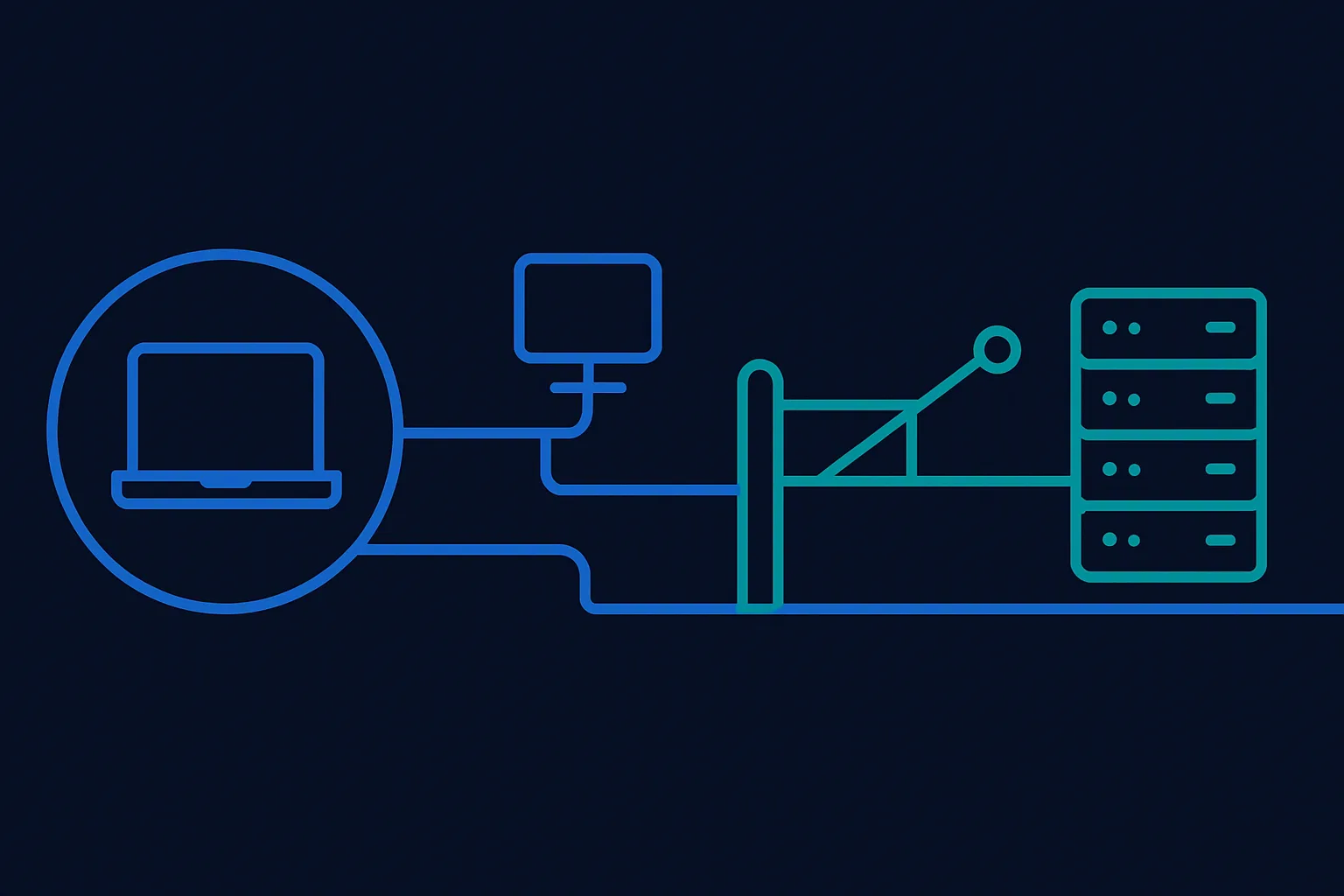
Containment without approval is a shipping feature. Microsoft Defender's automatic attack disruption can contain or isolate a device, contain an IP address, disable or contain a user account, revoke a user's sessions and suspend a user in Entra ID. Microsoft's page, last updated in June 2026, lists the actions for Okta and AWS as preview features.
The same page states the conditions. Microsoft says it holds containment actions to a confidence level of 99% or higher, measured on production data, and tests each detector in audit mode before wide release. Every automatic action can be undone by the customer's security team. Administrators can exclude critical assets, such as chosen users and devices, from automatic containment. The confidence figure is Microsoft's own measure of its detectors.
Endpoint remediation has a similar switch. Microsoft's page on automation levels in Defender for Endpoint, updated in August 2026, recommends full automation, where remediation runs as soon as a file is judged malicious. The page notes that from 1 September 2026 these investigations no longer run as a separate experience and are part of Defender's default antivirus protection. The semi-automation levels hold some or all actions for approval. A pending action times out after seven days and is then treated as rejected. If nobody watches the approval queue, the held remediation never happens. Microsoft adds that customers on full automation had 40% more high-confidence malware samples removed than customers on lower levels, a figure from its own data with no method published on the page.
What still waits for a person
The UK's National Cyber Security Centre describes how most organisations work today in a blog post of 21 September 2026: "Technology is behind the detection, but humans respond with actions." Automated remedial action is rare, it says. Where it exists, each rule is crafted and tested and behaves the same way every time. Its reason is that somebody has to be responsible for the action taken.
Microsoft's own advice is more cautious than its product defaults. The public sector section of the Digital Defense Report sorts actions into tiers. Low-risk work such as enriching an alert can run alone. A medium-risk action such as isolating an account needs human approval. A high-risk decision such as declaring a breach stays with people. Defender, as described above, disables an account without approval once confidence is high enough. Both positions come from Microsoft, which shows that the approval level is a policy choice for each company.
Actions by approval level
The table below is our starting point for that choice. It draws on the tiers in Microsoft's report and on the risk factors in the NCSC post, and a company should move rows to suit its own systems.
| Action | Suggested level | Reason |
|---|---|---|
| Enrich an alert or summarise threat intelligence | Runs alone | Nothing in the environment changes |
| Revoke one user's sessions and force a new sign-in | Runs alone at high confidence | One account is affected and the user can sign in again |
| Contain or isolate one workstation | Runs alone at high confidence | One device is affected and the security team can release it |
| Disable a standard user account | Runs alone or on approval, by company policy | Microsoft's product default and its public sector advice differ |
| Contain a server or a privileged account | Approval from a named person | The business cost of a wrong call is high, so exclude these from automatic action |
| Push a blocking rule or policy to every device | Approval and a staged rollout | A mistake reaches the whole company at once |
| Delete data or rebuild a system | Led by a person | The step is hard or impossible to reverse |
| Declare a breach and notify regulators or customers | Led by a person | It is a legal and business judgement |
Whether an incident has to be reported to a regulator or to customers depends on the law that applies to the company. This article is general information and is not legal advice.
How automated defense goes wrong
A wrong detection that changes systems
On 13 January 2023 a Microsoft Defender rule meant to block malicious Office macros produced false detections and deleted files, mainly Windows shortcuts, according to Microsoft's own account. Microsoft's post tells affected customers to install the corrected build and then follow a separate process to recover their shortcuts, so the fix alone did not bring them back.
Scale is the other half. On 19 July 2024 a faulty content update from CrowdStrike crashed Windows machines that received it, and Microsoft estimated that 8.5 million devices were affected. No AI model was involved. The case shows what happens when one automated security change reaches a very large number of machines at the same time. CrowdStrike's preliminary review committed to staggered deployment, starting with a small test group, and to giving customers more control over when updates arrive.
An attacker who uses the response system
The Digital Defense Report describes an intruder it tracks as Storm-2885, who took over a highly privileged cloud identity. The intruder then closed alerts and marked detections as false positives before the security team could respond. Any account or AI agent with the right to close alerts or reverse containment holds the same power, so those rights need the tightest control in the tenant.
An approval step that can be skipped
Asking a person to approve is only a control if the request reaches the person. Microsoft's red team reports in the same document that planted entries in an AI agent's memory were used to suppress or bypass human approval, and that in some tests the approval was triggered and then ignored by the agent. Its explanation is that "the control and the thing it guards share a failure mode." An approval gate belongs outside the agent it is meant to check.
Attackers also write for the AI that reads their files. Check Point Research reported on 25 June 2025 a malware sample carrying text that told AI analysis tools to ignore their instructions and report that no malware was found. The attempt failed against the two OpenAI models Check Point tested.
How to set the rules
The NCSC post proposes scoring each defensive action on five factors before it is automated. Potency asks whether the automation only advises a person or changes a system. Scope asks how many systems it can touch. Criticality asks how much the business depends on them. Rollout confidence asks how well the effect can be proved in advance. Recoverability asks how quickly a wrong action can be reversed. The NCSC suggests starting with actions that only advise a person, then lowering the risk of the rest.
In practice that becomes a piece of work for the security lead and the system owners together, and the seven steps below are our suggested order for it.
- List every action your security tools can take on their own, with its current setting.
- Score each action on the five factors and assign it a level from the table above.
- Name the approver for each approval-level action, and set a time limit after which someone else is called.
- Exclude critical servers and accounts from automatic containment, and write the manual steps for them.
- Run new automated actions in audit mode or on a small group before wide release.
- Rehearse the undo for every automatic action, and time how long it takes.
- Restrict who can close alerts or reverse containment, and review the log of automatic actions on a set schedule.
The NCSC's guidance on agentic AI, summarised in a post of 15 May 2026, adds the ownership questions. A company should know who approves an agent's access, who monitors it, who reviews incidents and who can stop it. An agent whose actions the company cannot monitor or contain is not ready to be deployed.
Where QueryNow fits
QueryNow is a Microsoft partner that builds AI agents and the foundation enterprise AI runs on. The approval rules in this article apply to any agent that can change a system, and our article on agent approvals and audit trails covers the record each approval should leave. Our guide to security threats to AI agents covers prompt injection in more depth. You can talk to our team about writing the action list for your own Microsoft security tenant.
QueryNow leads AI transformation for enterprises in the US and Europe. Founded in Germany in 2014, we build the foundation enterprise AI runs on, and the agents that run on it, for pharma, healthcare, manufacturing and financial services organizations on Azure and AWS.
FAQ
Frequently asked questions
What is autonomous cyber defense?
Autonomous cyber defense is security software that detects an attack and takes a containment step, such as isolating a device or disabling an account, before a person has reviewed the alert. Some of this is already a standard product feature. Microsoft Defender's automatic attack disruption, for example, can contain devices and user accounts when its detectors reach a high confidence level.
Which security actions can safely run without human approval?
Actions that change nothing, such as enriching an alert, are the easiest to automate. Next come actions that affect one user or one workstation and can be reversed quickly, such as revoking sessions or isolating a laptop. Actions that touch critical servers or the whole device fleet should wait for a named person, and so should anything that cannot be reversed.
How does automated defense go wrong?
Published cases show three ways. A wrong detection can change systems, as when a Microsoft Defender rule deleted Windows shortcuts in January 2023. An attacker with a privileged account can close alerts and mark detections as false positives. An approval step built into an AI agent can be bypassed if the agent itself is manipulated.
How should a company decide which actions need approval?
The UK National Cyber Security Centre proposes scoring each action on five factors: potency, scope, criticality, rollout confidence and recoverability. Start by automating actions that only advise a person, then actions with a narrow scope and a simple undo. Name an approver for the rest and exclude critical assets from automatic containment.
Does Microsoft recommend human approval before isolating an account?
Microsoft has published both positions. Defender's automatic attack disruption disables or contains accounts without approval at high confidence. The public sector section of the 2026 Microsoft Digital Defense Report says a medium-risk action such as isolating an account should require human approval. The approval level is a policy choice for each company.
The Monday digest
The three posts worth your time each week, one paragraph each. From the people building production AI.